Virtual Home Tours
Let buyers walk through the home from anywhere. Scan a property with a phone and get a 2D floor plan and a 3D model. Buyers explore every room remotely and ask Livi about it.
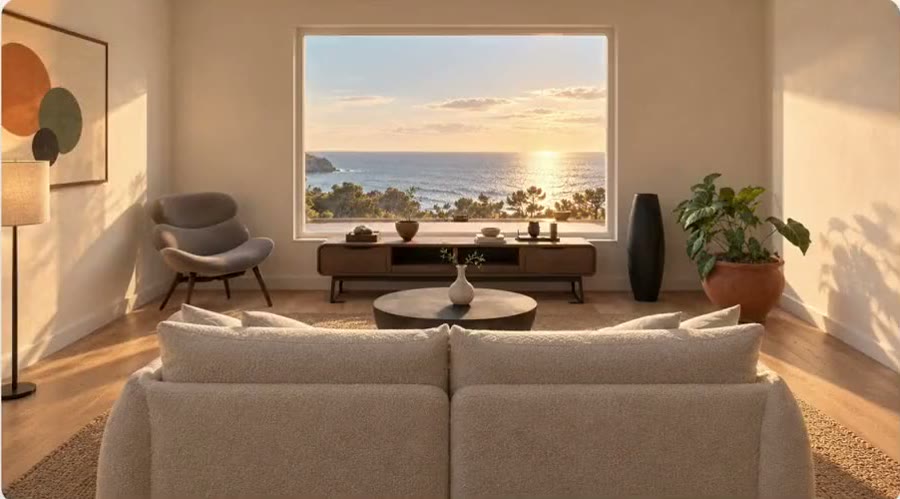
The problem
Photos don't show how the rooms fit together.
Buyers who live out of town wait for a visit, and listing photos leave them guessing about size and layout. With Virtual Home Tours, you scan the property with a phone, and buyers get a floor plan and a 3D walkthrough they can explore any time, with staged views clearly labeled.
Everything Virtual Home Tours does. Each part of it, the way your customers see it.
-
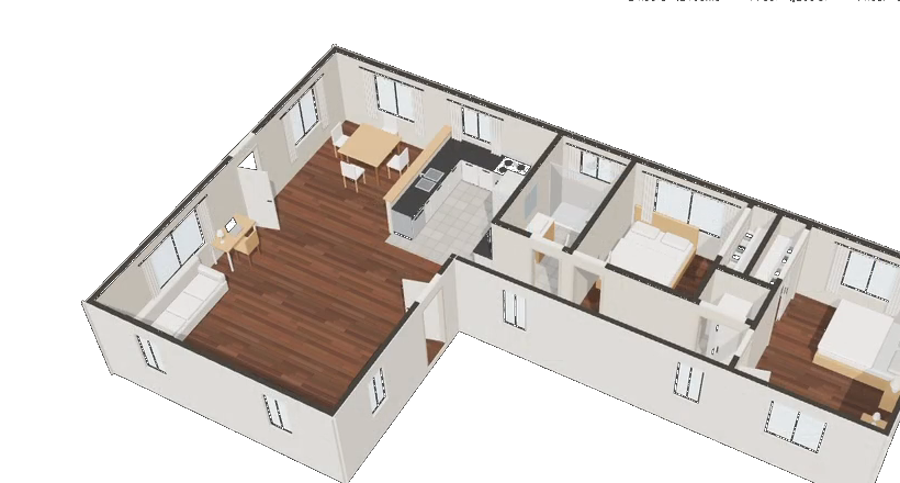
Phone scan to floor plan
Each room comes out at its real size, with doors and windows in place.
See it with your products -
Just ask Livi
Buyers ask Livi about the home by voice or text, in their own language, and Livi answers from the scan.
Scene understandingRecommendationsMemoryHow Livi works
See it with your products
Use cases. Where Virtual Home Tours is used, by whom, and what it changes.
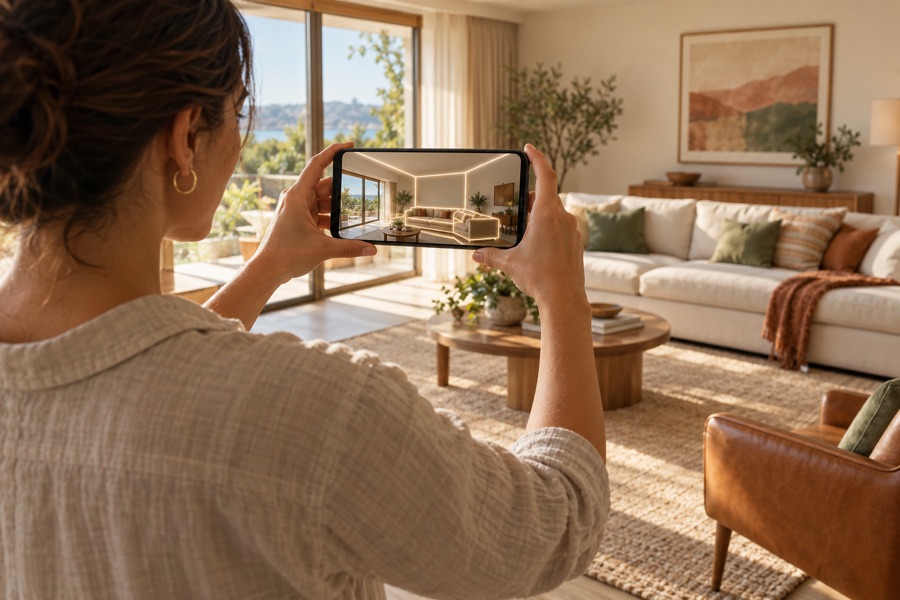
Listings and showings
Used byListing agentsBuyers
A to-scale 3D tour on every listing, so buyers book a showing already sure their furniture fits.

Marketing & content
Used byListing agentsMarketing teams
Floor plans, room sizes and 3D views for the listing, all from one phone scan.

Brand positioning
Used byYour listings, under your brand
Stand out with a 3D home that buyers can measure and furnish, under your brand.
The result. Buyers walk through the home before they visit.
Showings
Any time
Out-of-town buyers walk every room from wherever they are.
No measuring visit
A phone scan gives the floor plan, without a measuring visit.
Rooms at true size
Every room is true to size, so buyers know what will fit.
Shown furnished
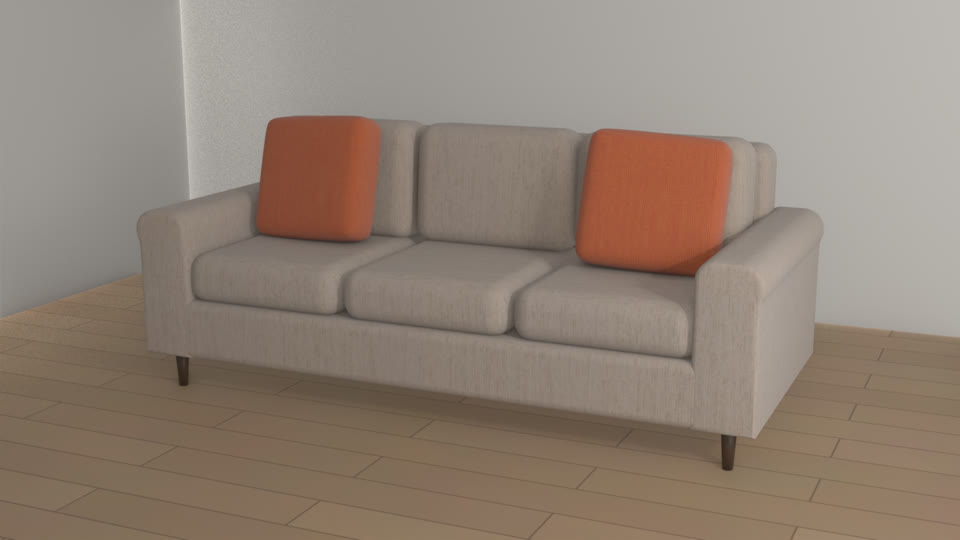
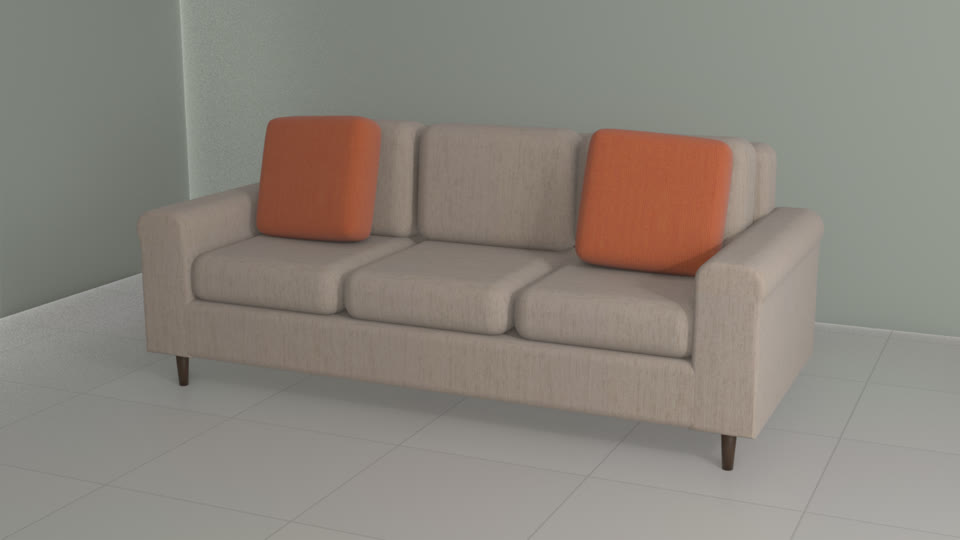
Show the home furnished, so buyers can picture living there.
Key capabilities. Everything that comes with Virtual Home Tours, for each person who uses it.
For your customers
- Phone scan to floor plan and 3D
- Remote walkthroughs, any time
- Livi answers buyers' questions
- Empty or furnished, at true size
- Share the home, or book a visit
For sales reps
- Design with the customer on a call or in the showroom
- Save a design and share it as a link
- Quote from the exact build, every option included
- See each lead's choices before the follow-up
For your team
- Room sizes and square footage from the scan
- Your team signs off before anything goes live
- Orders arrive with every option picked
- Under your brand
Connects to
- Your website, dealer sites and showroom tablets
- Add to cart on your online store
- ERP and order systems
- Your CRM, for every lead
Details and limits. What to know before you set it up.
- Capture
- A phone with a camera, walking each room slowly with the lights on.
- Limits
- Sizes are for planning and marketing. Confirm measurements before buying furniture or renovating.
- Existing or staged
- Furnished views are labeled "Virtually staged." The empty view shows the property as it is.
How it works. From your first file to your first order.
- 1
Scan the property
Walk each room with a phone.
- 2
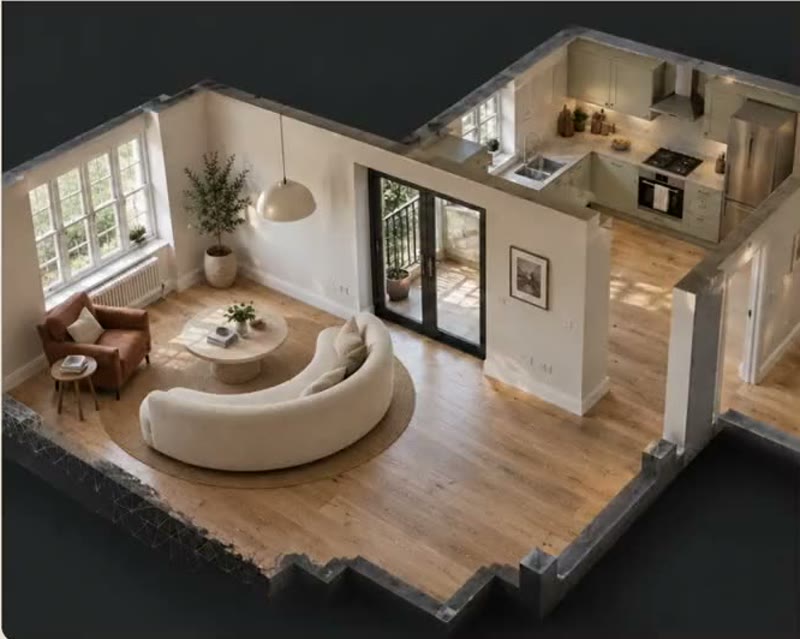
Get a floor plan and a 3D model
To scale, with every room and its size.
- 3
Buyers explore remotely
Any room, any angle, any time, empty or furnished.
Works well with. Products that go with Virtual Home Tours.
Questions.
Something else? Email hello@livinit.ai.
What do agents need?
A phone. Walk each room to scan it.
Can we show the home furnished?
Yes. Switch between the empty home and a furnished one.
Does it carry our brand?
Yes. Livinit runs on your website and in your showroom, under your brand.
How does it go on our website?
Your web team adds an embed. The Developers page shows how it works.
How is it priced?
We quote per business, based on your catalog and where you'll use it. Talk to us and we'll walk you through it.
Add it to your site. Your web team adds one embed, under your brand.
Get started with Virtual Home Tours.
Send us a few products and a room. We'll show you what your customers would see.