AI Design Studio
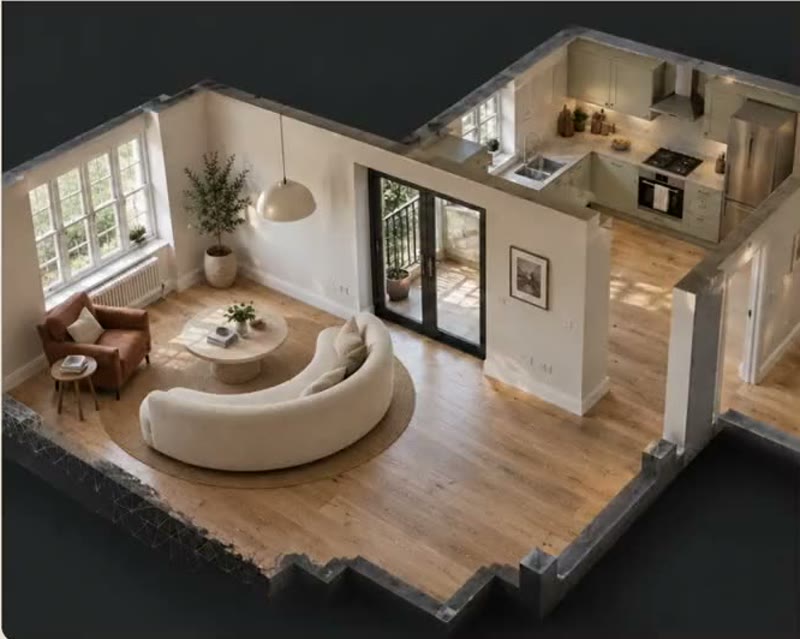
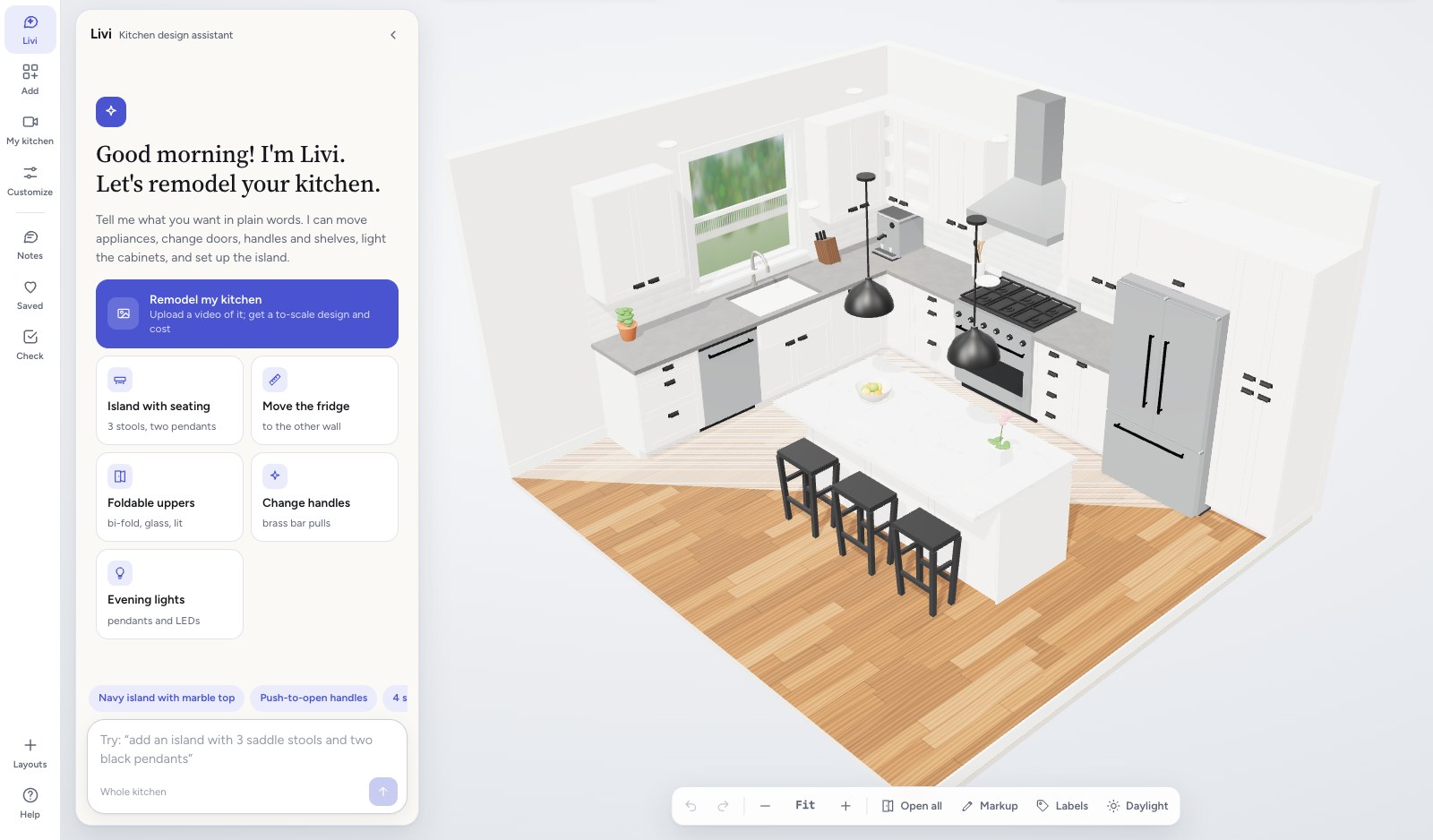
Design the whole room just by asking. Customers and designers talk to Livi by voice or text. Livi moves pieces, adds new ones and suggests another layout, using only your products.
The problem
Shoppers buy one piece at a time when they can't see the whole room.
A shopper finds a sofa they like but can't picture the rug, the table or the lamp that would go with it, so they leave with one piece or none. In AI Design Studio, they ask Livi for the room and get a layout from your range that keeps your rules: the door opens, there's room to walk and the total stays on budget.
Everything AI Design Studio does. Each part of it, the way your customers see it.
-
Start from an idea
Shoppers browse rooms and pieces from your range for ideas. When one feels right, they open it in their own room, resized to fit, and make it theirs.
See it with your products -
Just ask Livi
Ask in plain words, in any of several languages. Livi changes the room and keeps your rules.
Scene understandingRecommendationsMemoryHow Livi works
See it with your products -
Your rules, in any style
Livi lays out the whole room from your range and keeps your rules: the door opens, there's room to walk and the total stays on budget. Ask for a new style and the furniture changes while the walls, doors and windows stay put.
See it with your products -
Design it together
Every version saves as they go. They share a link, and a partner, a friend or family can leave a note or move things around with them. When they come back, the room is where they left it.
See it with your products -
Photo-real renders and walkthroughs
Share photo-real renders and 3D walkthroughs of the room for sign-off, before anything is bought.
See it with your products
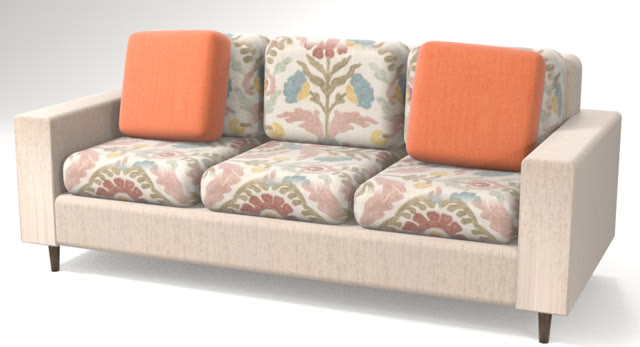 Garden
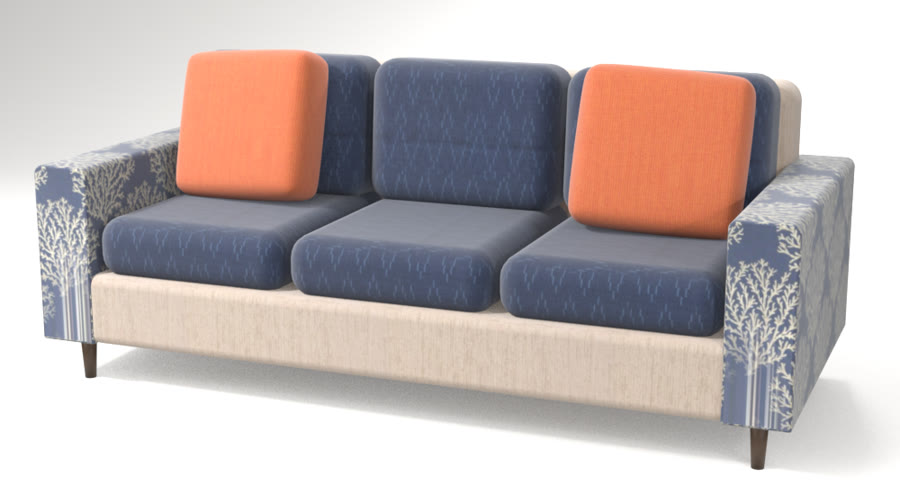 Coastal
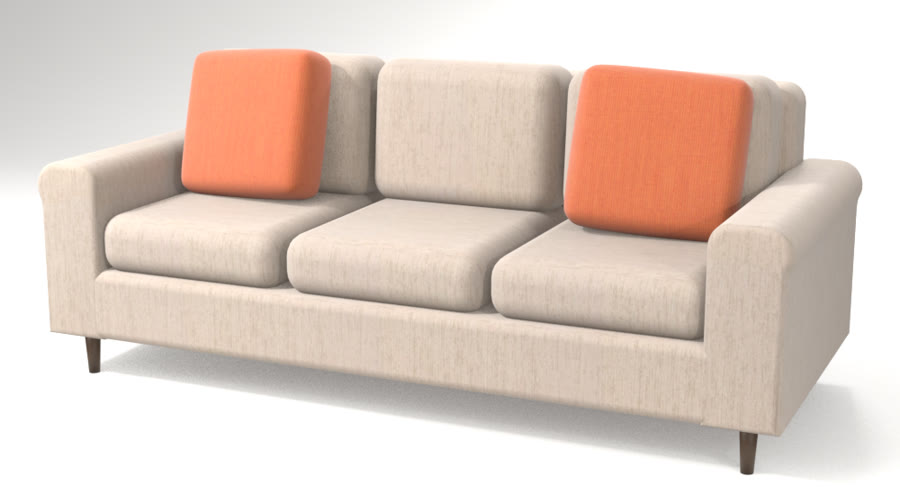 Quiet neutrals
How Livi works. Three parts work together every time someone asks.
- They ask, by voice or text
- Livi reads the room
- Picks what fits
- Remembers for next time
Scene understanding
Livi reads the room: its size, the furniture already there, the walls and their finishes, the plug points, the windows and their views, the doors, and the space people need to walk.
Recommendations
Livi picks what fits from your catalog: the right size, the right style, within budget, and only what you sell.
Memory
Livi remembers what each customer said and chose, so the next visit picks up where the last one ended.
Use cases. Where AI Design Studio is used, by whom, and what it changes.
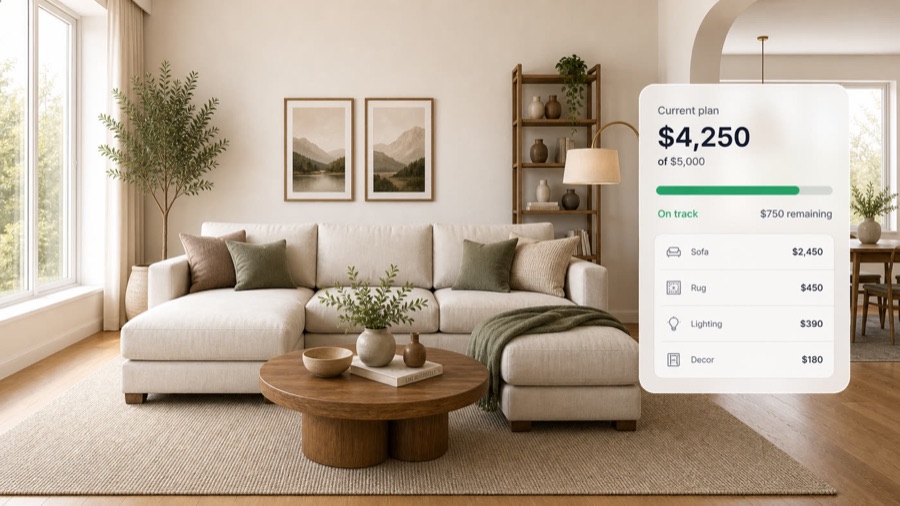
Upselling
Used byStore associatesShoppers on your website
Turn one piece into a whole room: suggest the rug, table, art and decor that fit the space and the budget.
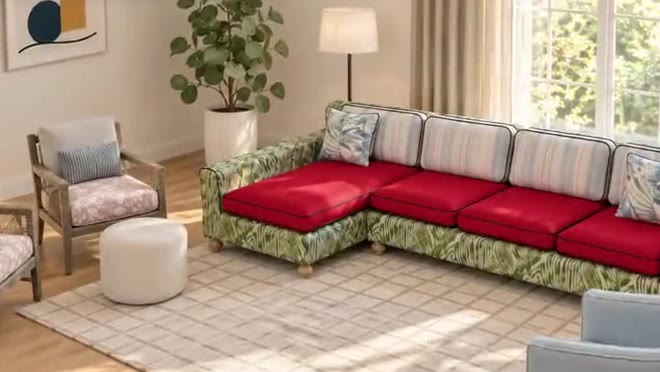
Client presentations
Used byInterior designersTheir clients
Present the whole room in the client's own space, change it while they watch, and leave with a list they've signed off.
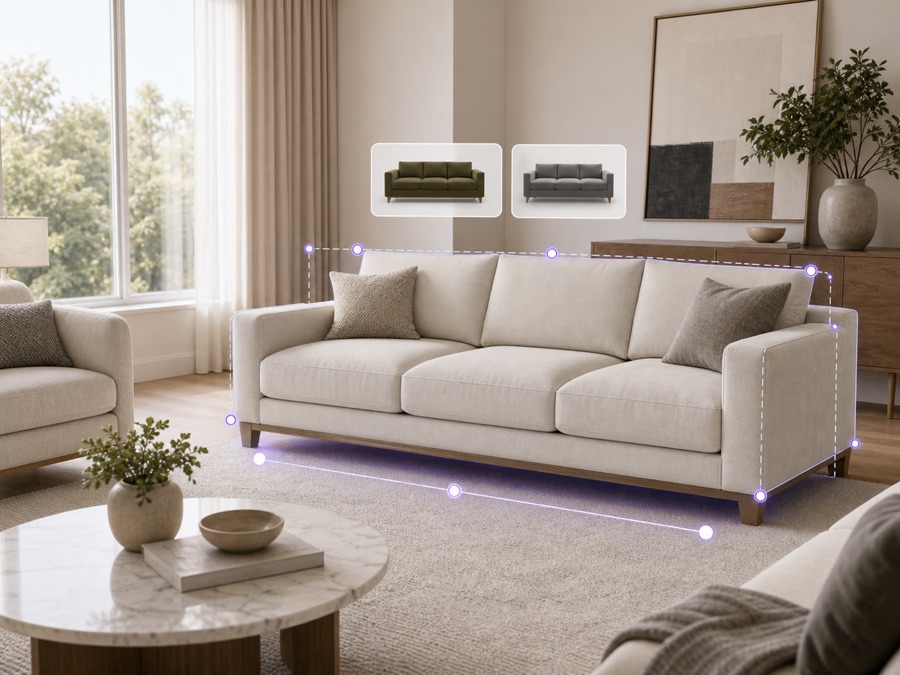
E-commerce
Used byYour online shoppers
Shoppers see your products in their own room on your site, so they order with confidence and send less back.
The result. Designers spend the meeting deciding, not redrawing.
Time per layout
Seconds
Each request gives a new layout within your rules, instead of a redraw by hand.
More ideas per meeting
Designers try more ideas in a single meeting.
Your rules in every layout
In every layout the door opens, the walkways stay clear and the total stays on budget.
Only products you sell
Livi suggests only your products, so every layout is one you can sell.
Key capabilities. Everything that comes with AI Design Studio, for each person who uses it.
For your customers
- Explore ideas, then open them in your own room
- Talk or type, in several languages
- Whole-room layouts in any style, from your range
- Save, share and design it with family
- Photo-real renders and walkthroughs to share
- Add the whole room to the cart
For sales reps
- Design with the customer on a call or in the showroom
- Save a design and share it as a link
- Quote from the exact build, every option included
- See each lead's choices before the follow-up
For your team
- A full product list for the room, with quantities
- Your team signs off before anything goes live
- Orders arrive with every option picked
- Under your brand
Connects to
- Your website, dealer sites and showroom tablets
- Add to cart on your online store
- ERP and order systems
- Your CRM, for every lead
Details and limits. What to know before you set it up.
- From request to result
- Livi reads the room, applies your rules and changes the layout in the same room. Watch it work in the 2-minute tour.
- When a rule can't be met
- If a request would block a door or go over budget, Livi says so and offers the closest option that fits.
- Saving, sharing and memory
- Every version is saved to the customer's project and can be shared as a link. Livi keeps their answers for the next visit.
How it works. From your first file to your first order.
- 1
Bring in your catalog
From a spreadsheet and photos.
- 2
Customers record their room
A phone video or a floor plan becomes the room in 3D, to scale.
- 3
Livi designs within your rules
Layouts, styles and swaps, only from your products.
Works well with. Products that go with AI Design Studio.
Questions.
Something else? Email hello@livinit.ai.
Does Livi suggest products we don't sell?
No. Livi only uses your products and keeps your rules.
Which languages does Livi speak?
Livi works by voice or text, in several languages.
Can family or friends help design the room?
Yes. Shoppers share a link, and the people they invite can leave notes and make changes. Every version is saved.
Does it carry our brand?
Yes. Livinit runs on your website and in your showroom, under your brand.
How does it go on our website?
Your web team adds an embed. The Developers page shows how it works.
How is it priced?
We quote per business, based on your catalog and where you'll use it. Talk to us and we'll walk you through it.
Add it to your site. Your web team adds one embed, under your brand.
Get started with AI Design Studio.
Send us a few products and a room. We'll show you what your customers would see.