Livinit for Interior designers
Bring your vision to life. Help clients say yes.
Show clients how furniture, colors, fabrics and finishes will look together in their own space. Explore options, adjust designs and build confidence before they commit.
Less busywork. More time creating.
Your creativity drives the design. Livinit helps you bring it to life faster: everything to scale, walkthroughs and 4K renders, and sourcing that fits your client's brands, budget and timeline.
- ✓Fits · 36 in clearanceEverything to scaleThe client's room and every piece, at true size
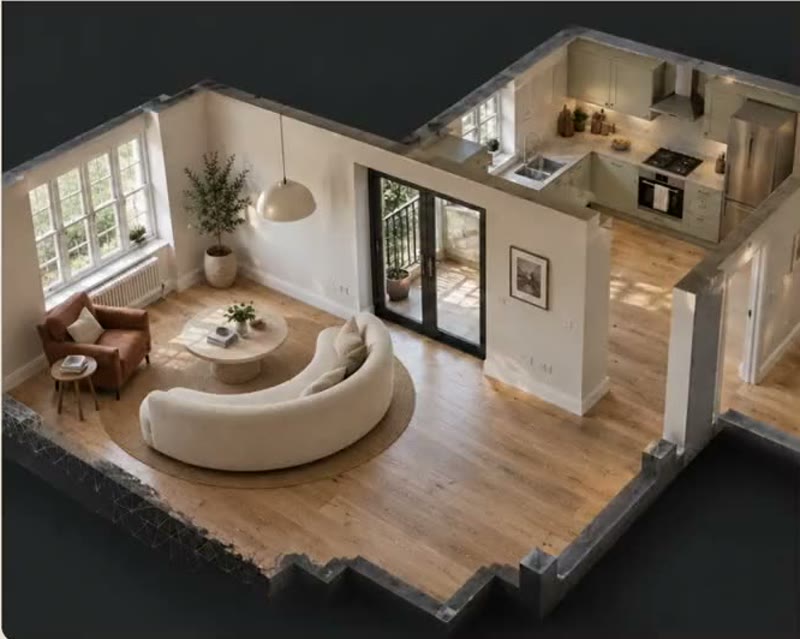 WalkthroughWalkthroughsWalk the client through the finished room
- 4K · Camera 2Camera placed by the window4K renders, your anglesPlace cameras for your own shots
Move the sofa under the window and add a reading chair
LiviDone. Sofa moved, and a reading chair from one of your saved brands added.
Ask Livi anything…
Move it by chat or voiceRearrange the room by asking LiviLivi · under $12,000
- ✓6 options from your favorite brands
- ✓All within the client's budget
- ✓Available now
Your brands, their budgetMore options from the brands you trustShips within 14 days
- ✓Oak dining table · 9 days
- ✓Boucle chair · 12 days
- !Velvet sofa · 8 weeks · hidden
On the client's timelineOnly pieces you can source in time
Why designers choose Livinit
Less time on revisions. More time bringing your vision to life.
Your creativity drives the design. Livinit helps you show it, source it and get it approved.
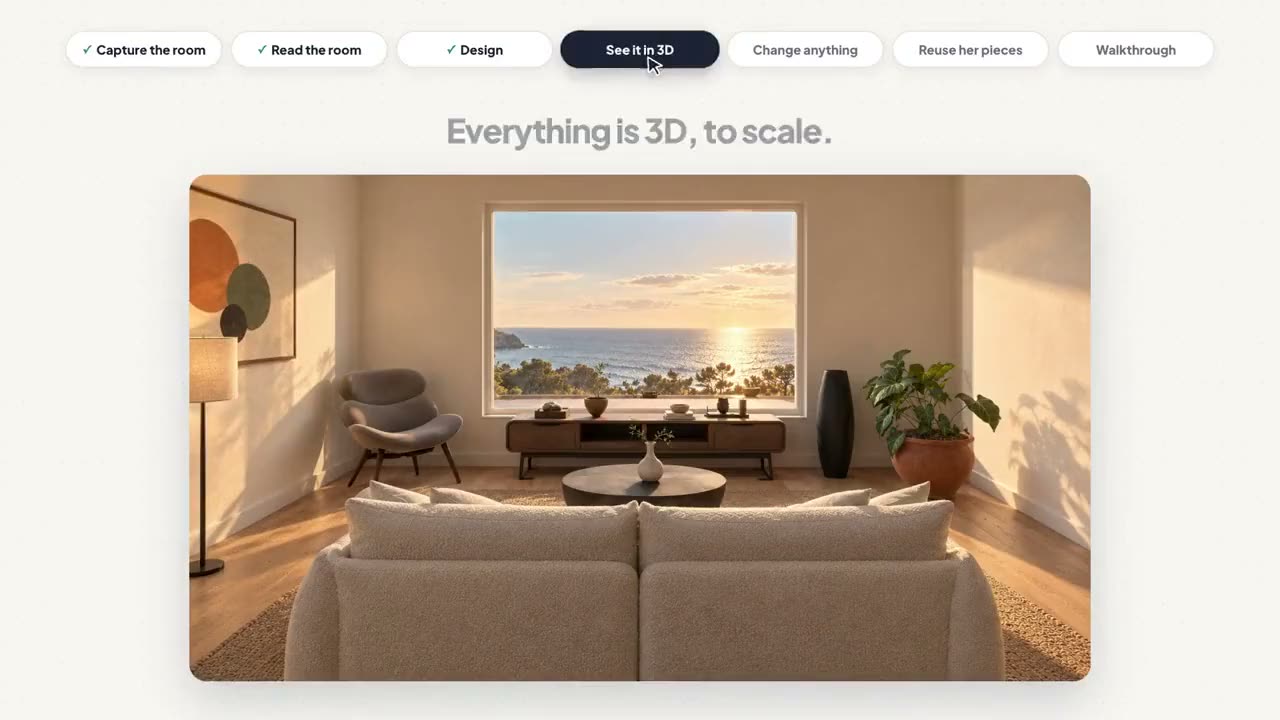 Their room in 3D
Design with confidence
Show it in their space.
Present furniture, layouts, fabrics and finishes together in the client's actual room, so they can picture the result before buying.
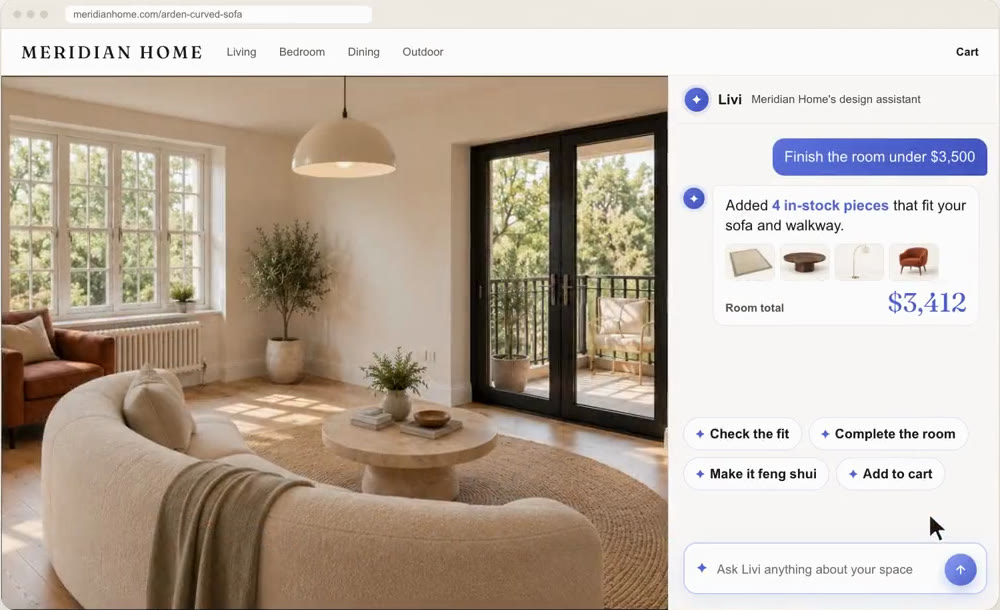 Livi
Save hours of work
Explore options in minutes.
Ask Livi to find products across brands, compare styles and prices, and update designs without starting over.
- Approved by the clientConcept A · Warm modern14 products · within budget
Get faster approvals
Keep choices and budgets clear.
Show alternatives, check what's available and help clients decide within their budget.
Your talent. Your vision. Powered by Livinit.
You remain the designer. Livi helps you do more.
Residential or commercial, one room or an entire property, Livinit helps your studio take on more without adding staff or giving up your creative vision.
- Save valuable time
- Design around any budget
- Simpler product sourcing
- Faster approvals
The digital twin
The room, in full context.
Great design starts with understanding the entire space. Livinit shows your client's room in 3D, including existing furniture, doors, windows, lighting and finishes, so you explore ideas in context, cut the back-and-forth and present with more confidence.
- Room layoutsSee the space and its dimensions.
- Existing furnitureKeep pieces your client already loves.
- Colors and finishesCompare materials in the full room.
- LightingPlan around natural and existing light.
- Windows and viewsConsider daylight and sightlines.
- Space and flowCheck walkways and door clearance.
Just ask Livi
Find what you need. Just ask Livi.
Stop searching through endless websites and catalogs. Talk, type or chat with Livi, your AI design assistant, to find furniture and decor across the brands you work with. Search by style, size, color, price and availability, save your favorite brands, and find products that fit your client's vision and budget, all in one place.
Tools for interior designers
Everything you need to bring your designs to life.
Four studios for the rooms you design most.
- AI Design StudioTurn ideas into rooms clients can seeCreate realistic layouts, explore furniture and finishes, and present designs in the client's actual space.See how it works
- Drapery StudioShow window treatments before orderingCompare curtains, shades, fabrics and styles on the client's own windows.See how it works
- Kitchen + Bath PlannerExplore layouts, finishes and budgetsVisualize cabinetry, surfaces and configurations while comparing project estimates.See how it works
- Surface VisualizerSee colors and finishes in the whole roomHelp clients compare flooring, paint, tile and wall finishes in context.See how it works
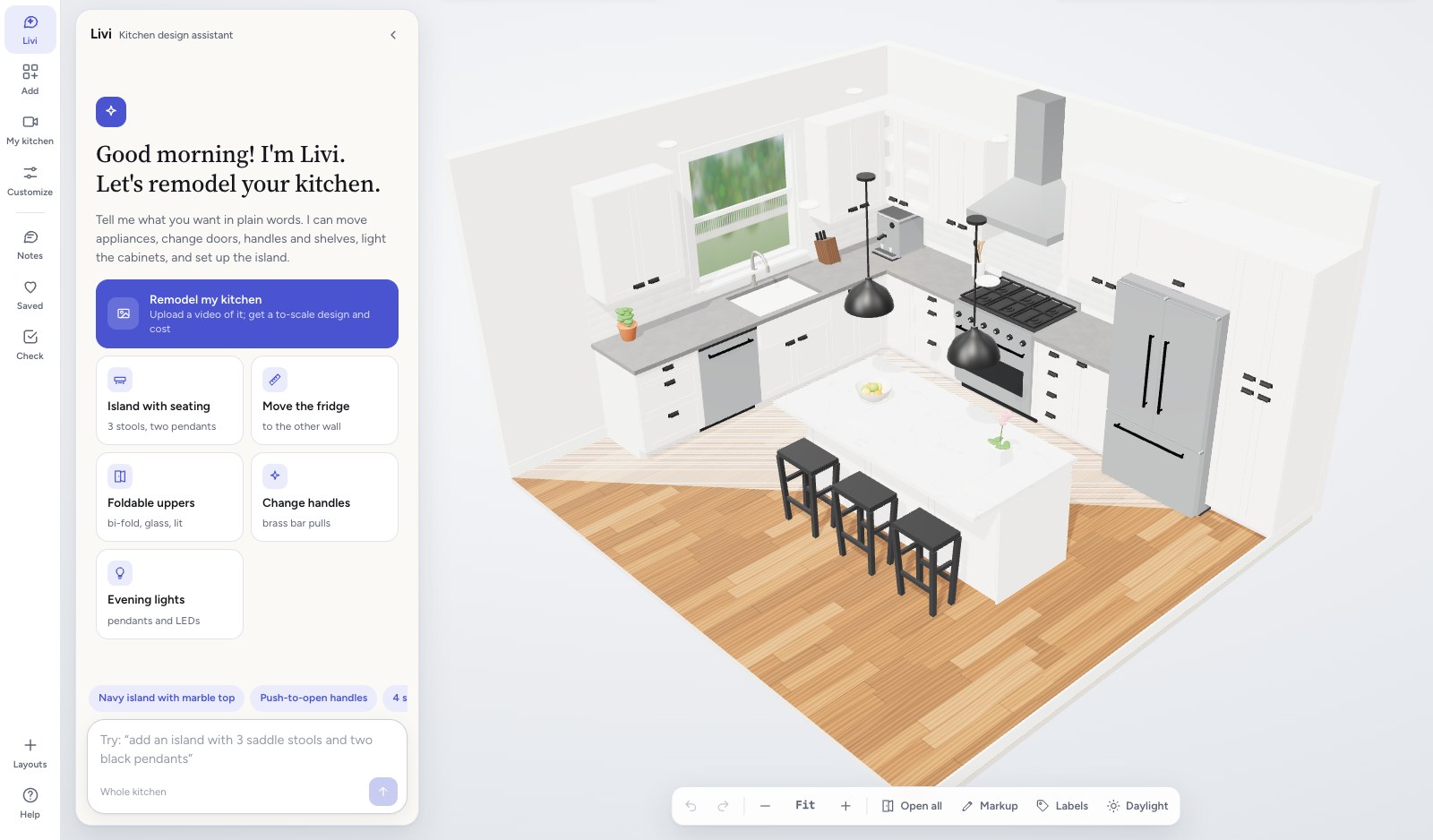
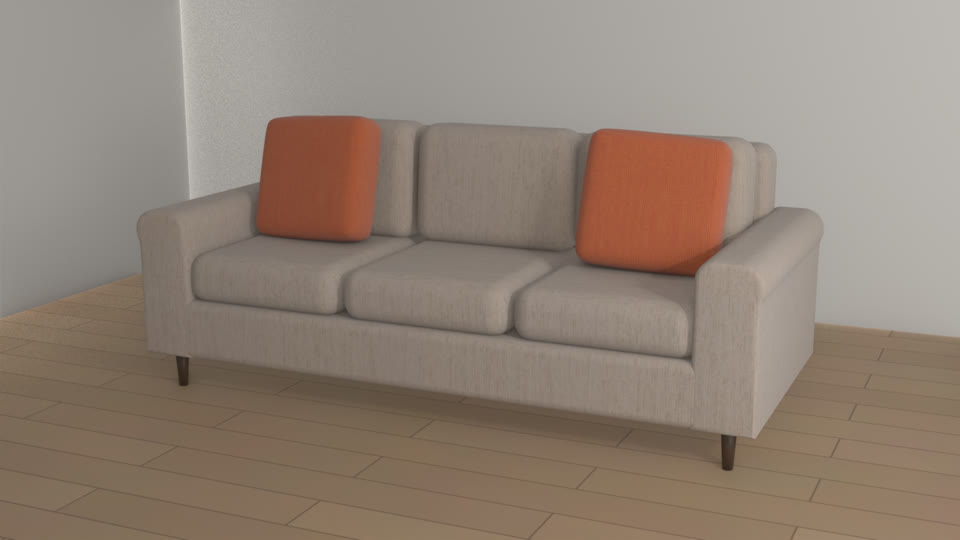
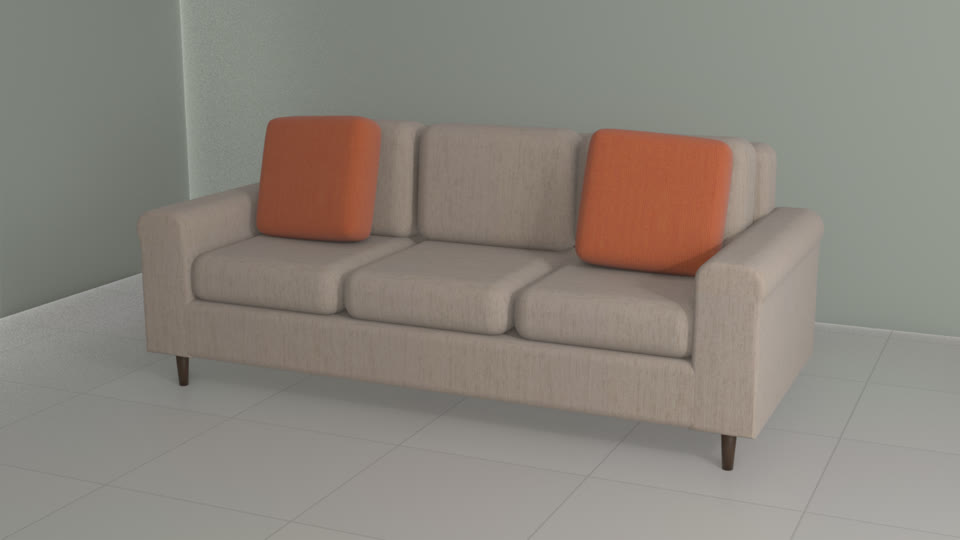
Screens are example visualizations.
Where you can use Livinit
One platform. Endless design possibilities.
From a single room to an entire property, bring your creative vision to life across residential and commercial spaces.
From presentation to approval
Present your vision. Get decisions faster.
Give clients a clear picture of the finished space, whether you're together in person or they review from home.
- Show realistic designsPresent layouts and finishes in the client's own room.
- Share and collaborateSend a link clients can review and discuss.
- Adjust with confidenceCompare options and budgets without starting over.
- Move toward approvalKeep selections and project details organized.
What we measure
See every project, from first call to order.
1Projects
Active projects
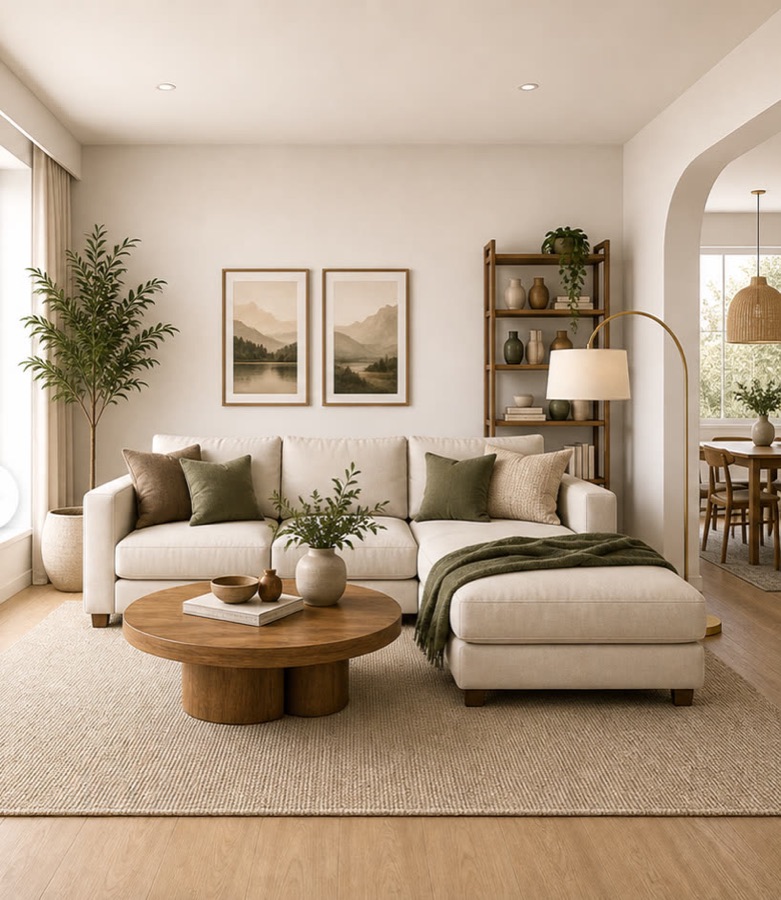
Living room · Park AveConcept sent
Approved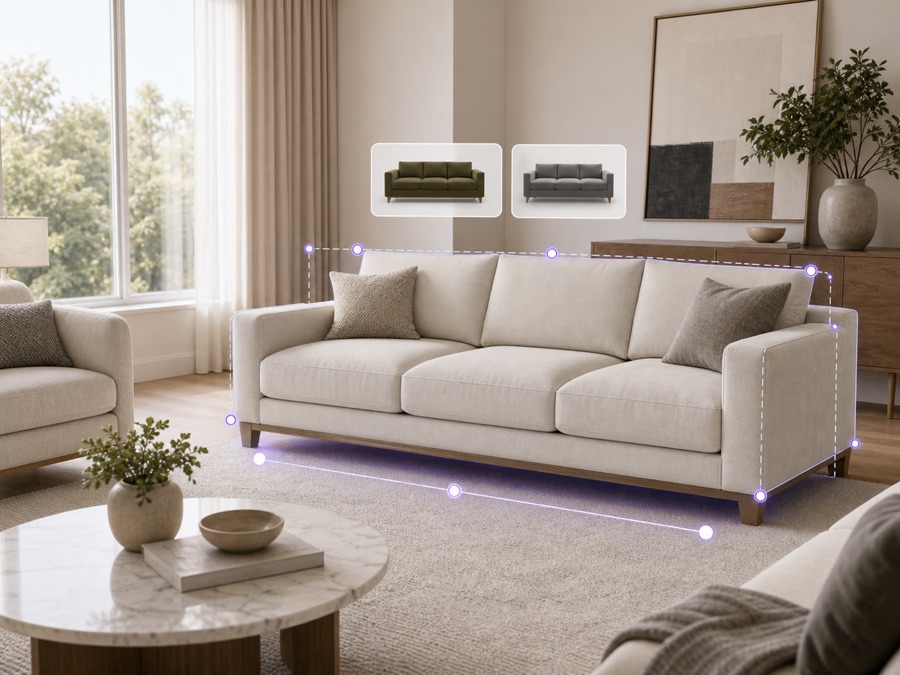
Family room · Elm StRevising
In review
Den · Oak LnFirst call
New
- Projects
- 12
- In review
- 4
- Approved
- 6
2Sourcing
Most used products
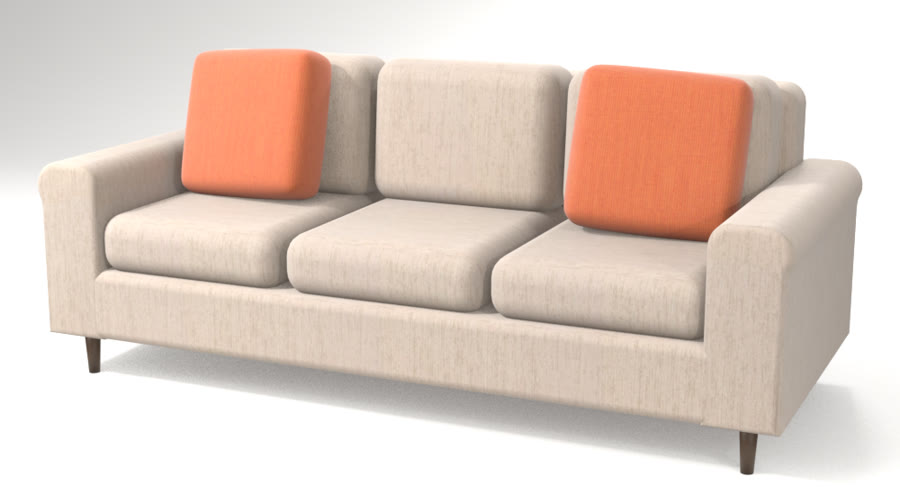
Harlow sofaSaved brand
9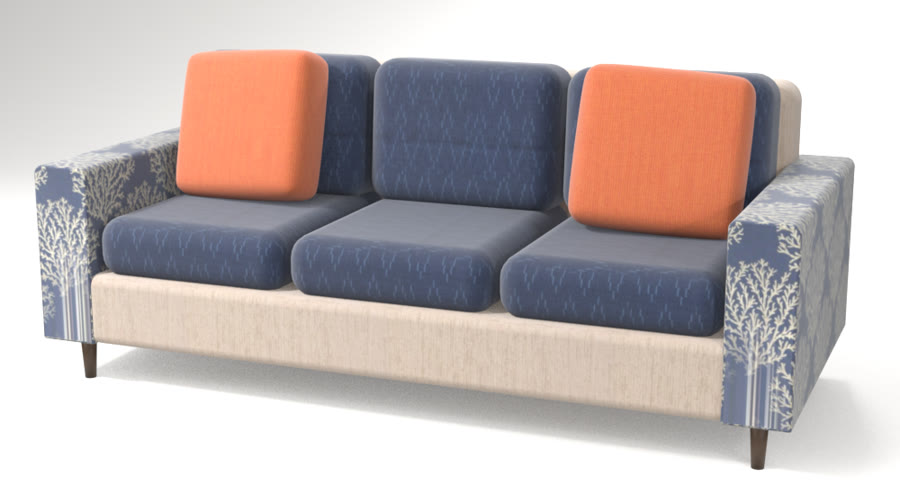
Avery sofaSaved brand
6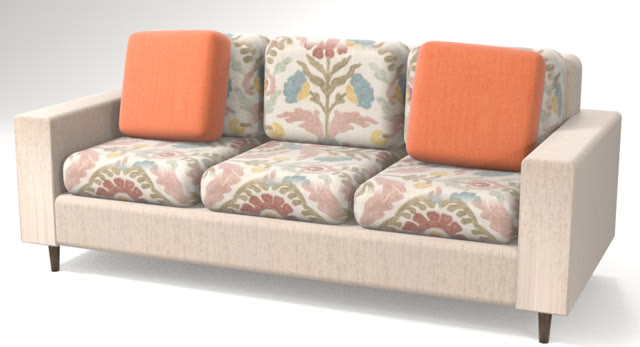
Mason sofaNew brand
4
3Presentations
Shared with clients
86
renders, walkthroughs and pages
- Renders
- 58
- Walkthroughs
- 17
- Share pages
- 11
4Orders
Ordered from approved lists
$214,300
- Projects
- 6
- Products
- 84
- Brands
- 17
Numbers come from your own projects.
Designed for interior designers
Your creativity deserves more time.
Let Livi handle more of the busywork. You focus on the design.
Spend less time sourcing products, preparing presentations and revising layouts, and more time creating beautiful spaces, working with clients and growing your business.
Book your personalized demoSee Livinit in action
Your vision. Your expertise. Powered by Livinit.
Frequently asked questions
What interior designers ask before getting started with Livinit. Something else? Email hello@livinit.ai.
1. Will Livinit replace me as an interior designer?
No. Livinit is designed to support your creativity, not replace it.
Livi, your AI design assistant, helps with product sourcing, room visualization, layout options and revisions. You stay in control of the creative direction, the product selections and the final design. Your expertise drives the design. Livinit helps you accomplish more.
2. How does Livinit save me time and money?
It cuts the hours spent searching product catalogs, preparing presentations, creating room visualizations and revising designs. With these in one place, you spend less time on repetitive tasks and more time with clients, on creative concepts and on growing your business.
3. Do I need technical experience or 3D design skills?
No. You don't need 3D modeling experience to get started. Livinit makes room visualizations, product exploration and changes simple, and you talk to Livi in everyday language, by voice or text.
4. How do I create a design using my client's actual room?
Start with a video of the room or an existing floor plan. Livinit turns it into the room in 3D, so you can explore furniture arrangements, colors, materials and finishes in context.
Room capture is for visualization. Always verify critical measurements before ordering or installation.
5. Can I incorporate furniture my client already owns?
Yes. Livinit identifies existing furniture in a captured room and keeps it in the proposed design, so new pieces work with the ones your client wants to keep.
6. Can I find furniture and accessories from different manufacturers?
Yes. Ask Livi to find products across participating brands in the Livinit catalog, by type, dimensions, style, color, price and availability, and put your preferred brands first. You don't have to search each manufacturer's website.
7. Can I talk to Livi or type?
Both. Use your voice or type. For example: Show me contemporary sofas under $2,000 that work with this room.
Livi finds suitable products and explores alternatives based on what you ask.
8. Can I change furniture, fabrics, colors and finishes during a client presentation?
Yes. Swap furniture, configurations, colors, fabrics and finishes in the room while the client watches, so they compare options without a new presentation for every change.
The options available depend on the products and information each manufacturer provides.
9. Can I design around my client's budget?
Yes. Compare prices, explore alternatives and check selections against the client's budget. If the budget goes up or down, adjust the selections and try other combinations.
Pricing accuracy depends on the product and pricing information available in the platform.
10. Can I design entire homes and commercial properties?
Yes. Livinit supports residential and commercial projects, including:
- Living rooms, bedrooms and dining rooms.
- Kitchens and bathrooms.
- Offices and conference rooms.
- Hotels and hospitality spaces.
- Senior living.
- Retail stores and showrooms.
11. Can I create and compare multiple design concepts?
Yes. Develop alternative layouts and different combinations of furniture, colors and materials, so clients compare directions before deciding. You choose which concepts and selections to present.
12. Can my clients review designs without meeting in person?
Yes. Share a link under your studio's name, and clients review the room and the proposed selections from home. We'll show the collaboration features in your demo.
13. What can I give my clients?
Depending on the project and the product information available:
- Realistic room renders.
- Virtual walkthroughs.
- Floor plans and proposed layouts.
- Furniture and product selections.
- Colors, fabrics and finishes.
- Product pricing and an estimated budget.
14. Can clients buy the products in my designs?
Livinit keeps the products and configurations selected for a project together, which makes the move from design to purchase easier. Where supported, clients go to a retailer's website or a manufacturer's authorized retailers to buy.
You decide how purchasing fits your client relationship and business model.
15. How long does it take to get started?
We help you set up your studio and your first project. The timeline depends on your studio, the product catalogs you need and any integrations, and we go through it in your demo.
16. How much does Livinit cost?
Pricing depends on your studio: the number of designers, expected projects and the features you need. We quote it after learning about your business.
See Livinit on one of your projects.
Send us a room, the look you're going for and your favorite brands. We'll show you two sourced concepts side by side.