Surface Visualizer
Show the whole floor, not a swatch. Flooring, tile, wallpaper and paint at their real size, on the customer's own floors and walls, next to their furniture.
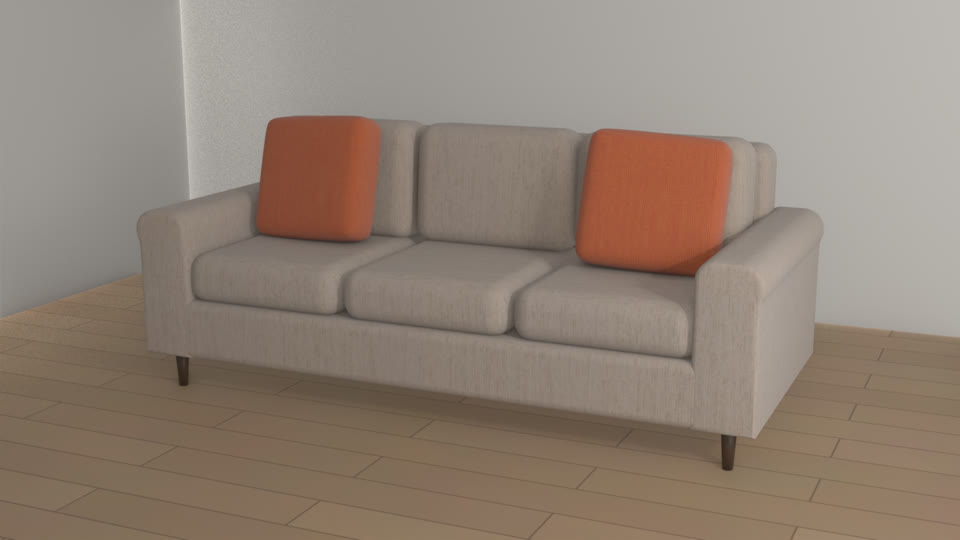
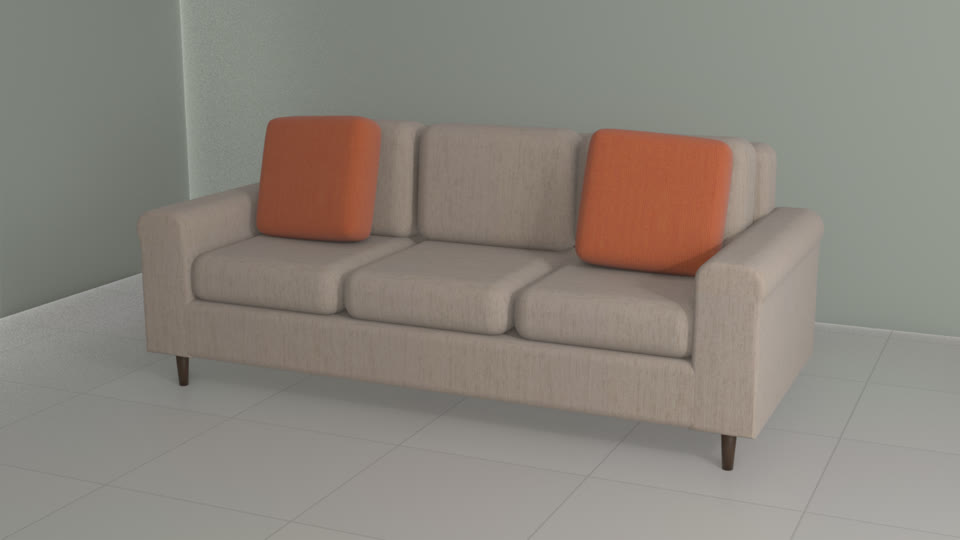
The problem
A 4-inch sample is hard to picture as a whole floor.
Customers order samples, lay them on the floor and still guess what the whole room will look like. Surface Visualizer puts the flooring, tile, wallpaper or paint across the customer's own room at its real size, next to their furniture, and measures the square footage while it's there.
Everything Surface Visualizer does. Each part of it, the way your customers see it.
-
True to size
Planks, tiles and pattern repeats at their real size, so a large tile looks large.
See it with your products -
Just ask Livi
Customers ask for a look, by voice or text, and Livi shows floors and wall colors from your range at true size.
Scene understandingRecommendationsMemoryHow Livi works
See it with your products -
Floors and walls together
Try a floor and a wall color together, with the furniture already in the room.
See it with your products -
Photo-real renders and walkthroughs
A photo-real render and a walkthrough of the room with the new floor, before the order.
See it with your products
Use cases. Where Surface Visualizer is used, by whom, and what it changes.
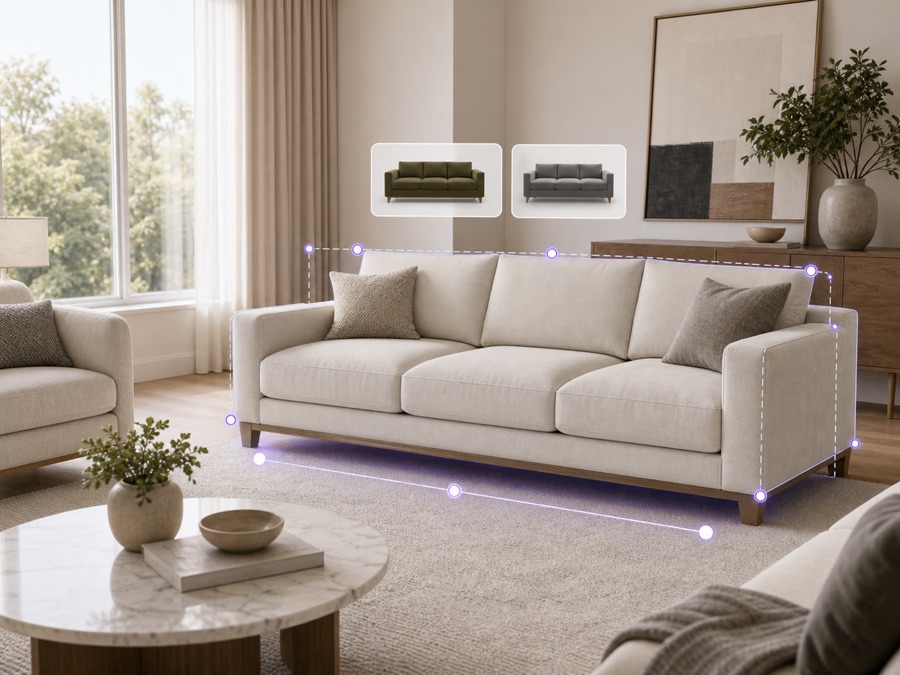
E-commerce
Used byYour online shoppers
Shoppers see the floor in their own room on your site, so they order the right amount and send less back.
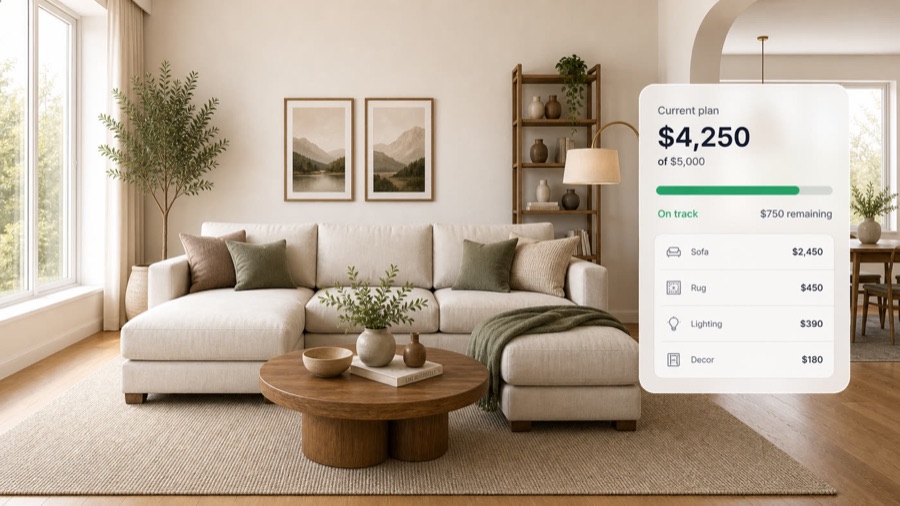
Upselling
Used byStore associatesShoppers on your website
Suggest the rug, the wall color and the trim that go with the floor they picked.

In-store kiosk
Used byShoppers in your showroomSales associates
Show the sizes, fabrics and pieces you can't fit on the floor, in the shopper's own room.
The result. The whole room is decided in one visit.
Samples sent per sale
Whole room
Customers decide from the whole floor, not a 4-inch sample.
Compared in their own room
Customers compare finishes in their own room, one tap at a time.
Planks and tiles at real size
Planks and tiles show at their real size, so what arrives matches what they saw.
The whole room at once
Customers choose the floor, the walls and the furniture together.
Key capabilities. Everything that comes with Surface Visualizer, for each person who uses it.
For your customers
- Planks, tiles and repeats at true size
- In their own room, from a video or floor plan
- Floors and walls together
- Square footage measured from the room
- Photo-real renders and walkthroughs, before the final order
- Add to cart, or order samples
For sales reps
- Design with the customer on a call or in the showroom
- Save a design and share it as a link
- Quote from the exact build, every option included
- See each lead's choices before the follow-up
For your team
- Square footage from the room, for the order
- Your team signs off before anything goes live
- Orders arrive with every option picked
- Under your brand
Connects to
- Your website, dealer sites and showroom tablets
- Add to cart on your online store
- ERP and order systems
- Your CRM, for every lead
Details and limits. What to know before you set it up.
- Pattern scale
- Each plank, tile and repeat is set from the sizes you send, so the pattern shows at its real scale.
- Waste and packs
- Square footage comes from the room. You set the waste allowance and the pack size, so quantities match how you sell.
- Installer review
- Your installer confirms the measurements before anything is ordered.
How it works. From your first file to your first order.
- 1
Send your surfaces
Images with their real sizes, patterns and finishes.
- 2
Customers bring their room
A phone video or a floor plan.
- 3
They try finishes at home
On their own floors and walls, swapped by tap, voice or text.
Works well with. Products that go with Surface Visualizer.
Questions.
Something else? Email hello@livinit.ai.
Are patterns shown at their real size?
Yes. Planks, tiles and repeats are shown at their real size.
Do customers need a floor plan?
No. A phone video of the room works too.
Does it carry our brand?
Yes. Livinit runs on your website and in your showroom, under your brand.
How does it go on our website?
Your web team adds an embed. The Developers page shows how it works.
How is it priced?
We quote per business, based on your catalog and where you'll use it. Talk to us and we'll walk you through it.
Add it to your site. Your web team adds one embed, under your brand.
Get started with Surface Visualizer.
Send us a few products and a room. We'll show you what your customers would see.