Fabric Configurator
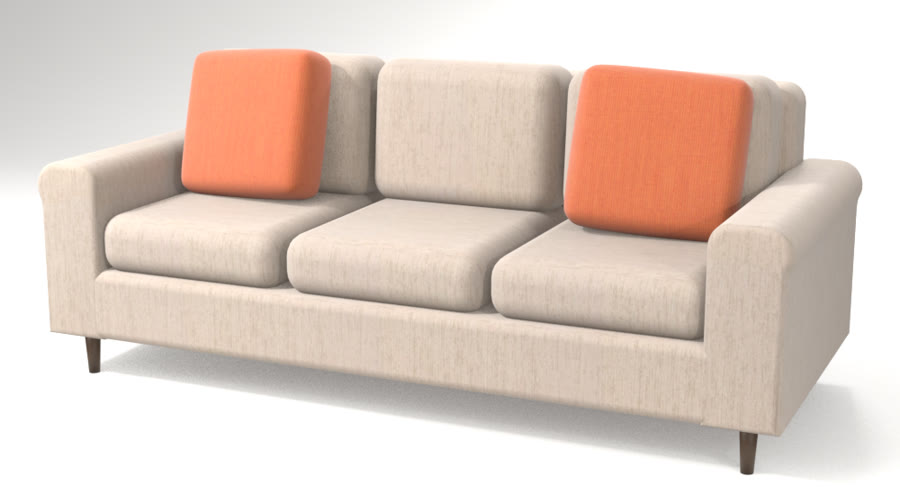
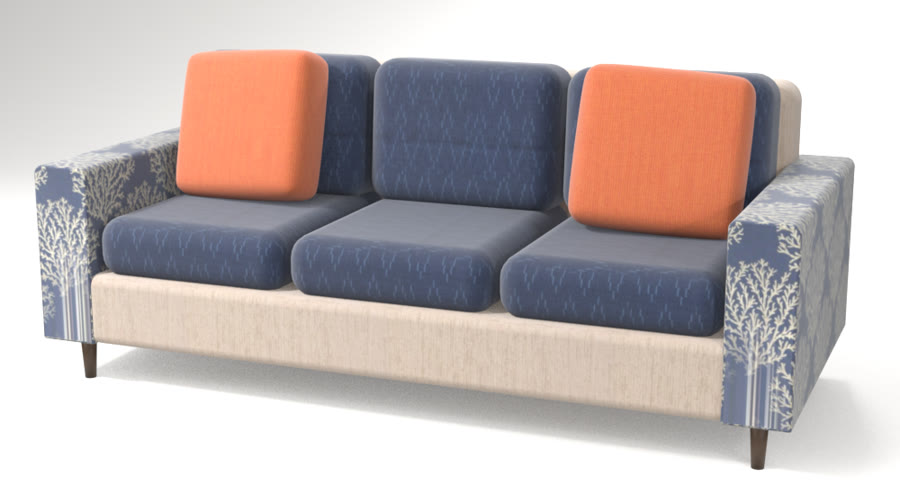
Let clients design the piece, then see it in their own home. Clients build their own sofa or chair, try a fabric on each part and see the exact price as they go.
The problem
Most custom orders still start with a bag of swatches.
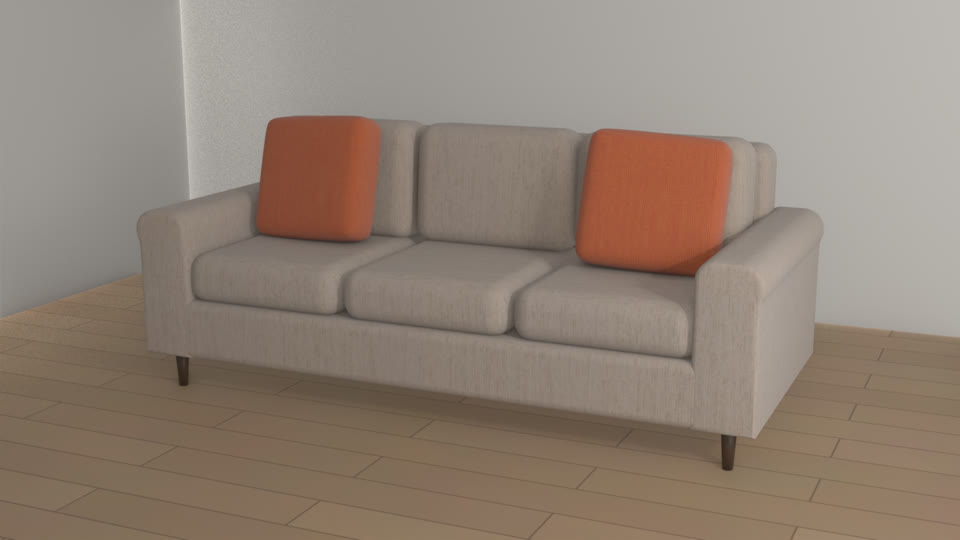
A client takes the swatches home, holds them against a sofa they can only imagine, and calls back with questions. Each change of fabric means a new quote. With Fabric Configurator, the client picks the frame and a fabric for each part on your site, sees the piece in their room at its real size, and sends you a specification with the yardage worked out.
Everything Fabric Configurator does. Each part of it, the way your customers see it.
-
Build the piece
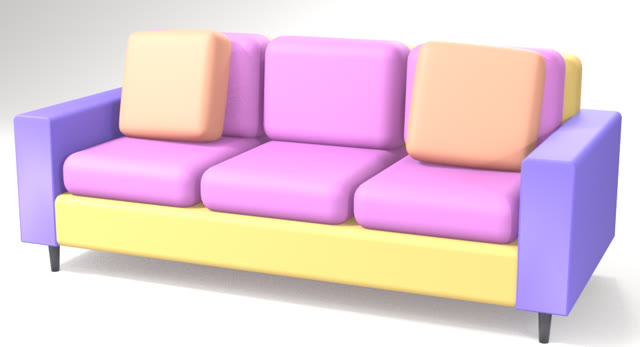
Clients customize every part of the piece: the arm style, the number of seats, tufting, the legs and the layout. The sofa updates as they go.
See it with your products -
Just ask Livi
Clients say what they want, by voice or text. Livi suggests frames and fabrics from your range that fit their room, their style and their budget, and updates the piece.
Scene understandingRecommendationsMemoryHow Livi works
See it with your products -
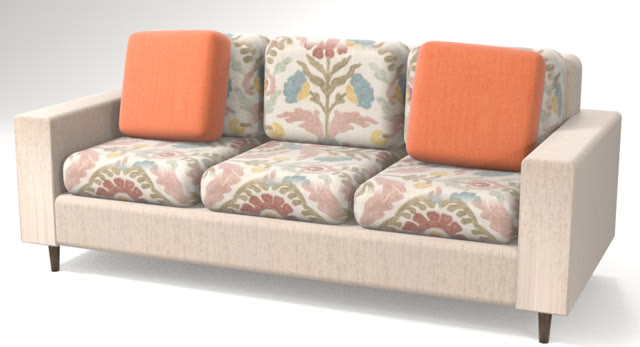
A fabric for each part
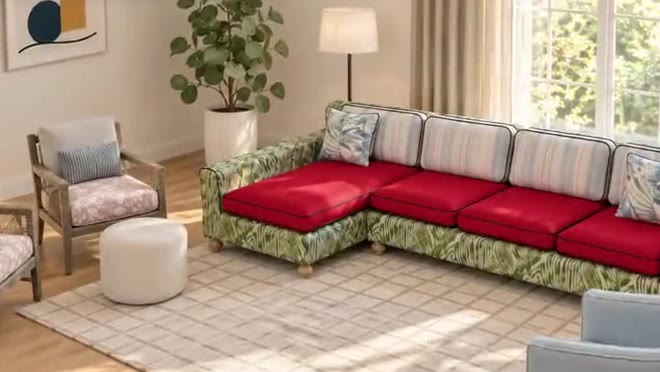
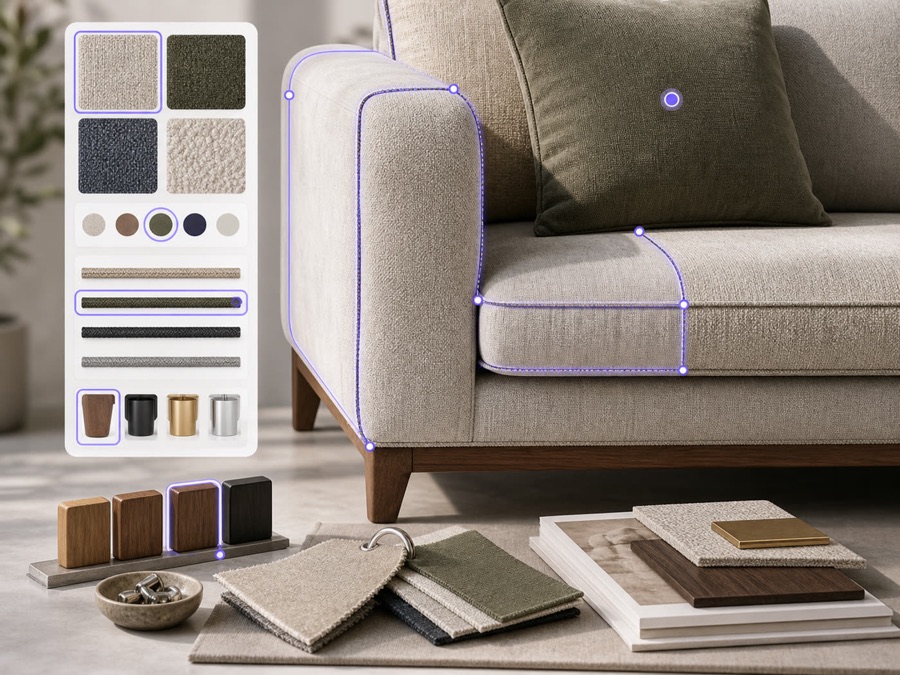
Arms, cushions and welting each take their own fabric, shown at its true pattern scale. Changing one part never changes another.
See it with your products -
Match a photo they love
Clients upload a photo of a room or a pillow they love. Livi finds the closest fabrics in your library and puts them on the piece.
See it with your products -
Their own fabric (COM)
Clients upload a photo of their own fabric with its repeat size, and see it on the frame.
See it with your products -
Reupholster from a photo
A photo of the piece a client already owns becomes 3D, ready for a new fabric.
See it with your products -
The exact fabric price
Yardage and cost for every part, so the price they see is the order you make.
See it with your products -
Photo-real renders and walkthroughs
See the finished piece in a photo-real render of their room, and walk through it, before the order is placed.
See it with your products
Use cases. Where Fabric Configurator is used, by whom, and what it changes.
Custom orders
Used byYour showroom teamCustomers
Customers choose fabrics, finishes and their own material by part, and see the piece before it's made.

In-store kiosk
Used byShoppers in your showroomSales associates
Show the sizes, fabrics and pieces you can't fit on the floor, in the shopper's own room.
E-commerce
Used byYour online shoppers
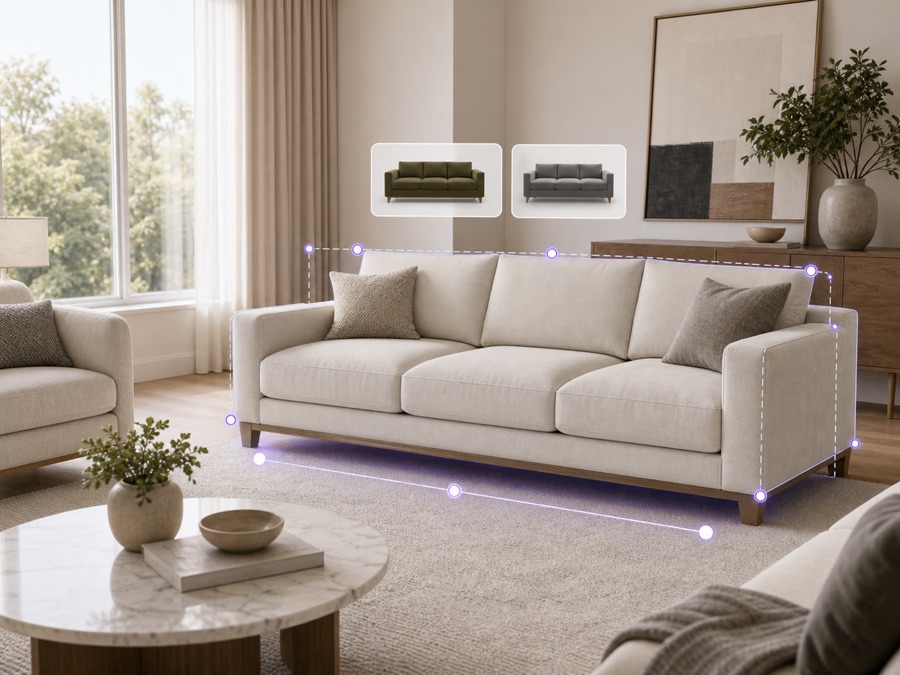
Shoppers see your products in their own room on your site, so they order with confidence and send less back.
The result. Clients get a priced design without waiting on a quote.
Time to a priced quote
Instant
The fabric price updates with every choice.
Priced before they call
Clients reach a priced design on their own, before they call your team.
Yardage for each part
Yardage is worked out for each part, so the order matches what they saw.
Your full fabric range
Every fabric in your range is one tap away, on every frame you make.
Key capabilities. Everything that comes with Fabric Configurator, for each person who uses it.
For your customers
- Arm styles, tufting, number of seats, legs and layouts
- A fabric for each part, even their own (COM), or matched from a photo
- Reupholster a piece they own, from a photo
- The exact fabric price for every choice
- Photo-real renders and walkthroughs, before the final order
- Add to cart, order swatches, or ask for a quote
For sales reps
- Design with the customer on a call or in the showroom
- Save a design and share it as a link
- Quote from the exact build, every option included
- See each lead's choices before the follow-up
For your team
- Yardage for every part, worked out for the workroom
- Your team signs off before anything goes live
- Orders arrive with every option picked
- Under your brand
Connects to
- Your website, dealer sites and showroom tablets
- Add to cart on your online store
- ERP and order systems
- Your CRM, for every lead
Details and limits. What to know before you set it up.
- Supported combinations
- Only the combinations you set up. You choose which arms, seats, tufting, legs and fabrics go together, and anything outside your rules can't be built.
- COM inputs
- A photo of the client's fabric and its repeat size. Your team confirms the fabric before you quote.
- Measurements
- Piece sizes come from your spreadsheet. For a tight space, check the room before you order.
- Specification
- Each spec lists the frame, every part's fabric and yardage, the legs and the options. Your team reviews it before quoting.
How it works. From your first file to your first order.
- 1
Send your frames and fabrics
A spreadsheet of frames and options, with pricing if you want prices shown, plus photos and your fabric library with repeat sizes.
- 2
Clients build the piece
A custom piece from your frames, or their own frame from a photo. Then arm style, seats, tufting, legs and a fabric for each part, or their own fabric (COM).
- 3
You get the exact order
Every part, fabric and yardage, ready for the workroom.
Works well with. Products that go with Fabric Configurator.
Questions.
Something else? Email hello@livinit.ai.
Can clients use their own fabric?
Yes. Clients upload their own fabric (COM) with its repeat size and see it on the frame.
Does each part keep its own fabric?
Yes. A fabric on one part never changes the welting or any other part.
Does it carry our brand?
Yes. Livinit runs on your website and in your showroom, under your brand.
How does it go on our website?
Your web team adds an embed. The Developers page shows how it works.
How is it priced?
We quote per business, based on your catalog and where you'll use it. Talk to us and we'll walk you through it.
Add it to your site. Your web team adds one embed, under your brand.
Get started with Fabric Configurator.
Send us a few products and a room. We'll show you what your customers would see.