3D Catalog
Your whole catalog in 3D, from a spreadsheet. Send a spreadsheet and your product photos. Livinit builds every piece and option in true-size 3D, and your team signs off before it goes live.
The problem
3D used to mean a modeling project for every product.
To show every option in 3D, a brand had to commission a model for each piece and each variation, then redo it when the range changed. 3D Catalog starts from the spreadsheet and photos you already have. We build each piece with its parts and options, your team approves it, and it goes live on your site, your dealers' sites and in your showroom.
Everything 3D Catalog does. Each part of it, the way your customers see it.
-
From photos and a spreadsheet
You don't need 3D files. We start from what you already have.
See it with your products -
Just ask Livi
Shoppers ask Livi by voice or text, and Livi recommends pieces from your catalog that fit their room and their budget.
Scene understandingRecommendationsMemoryHow Livi works
See it with your products -
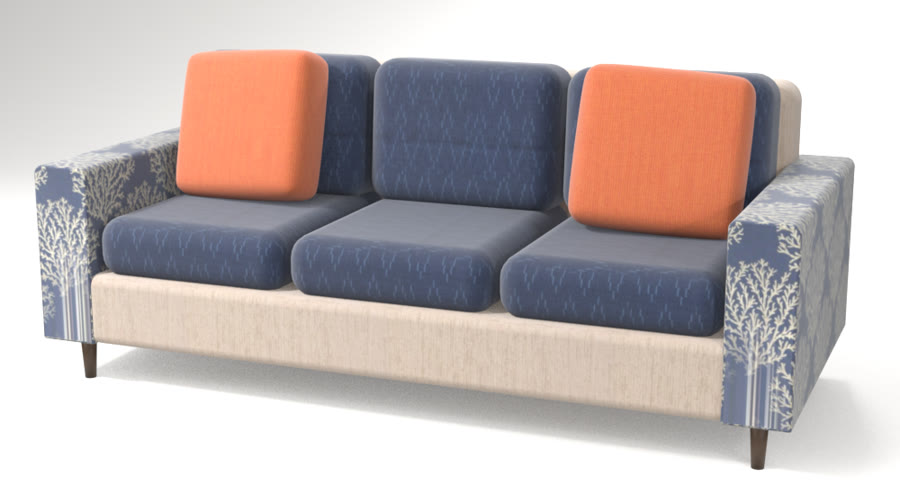
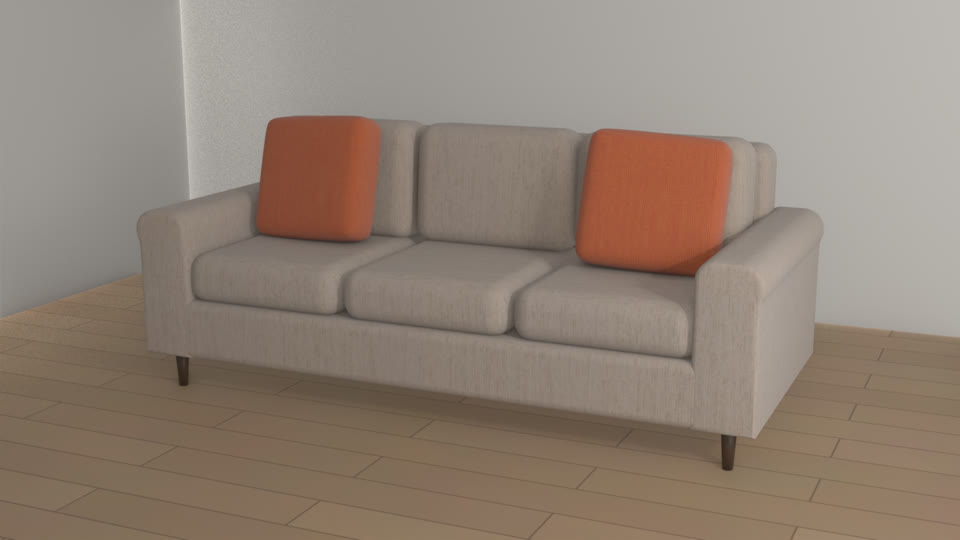
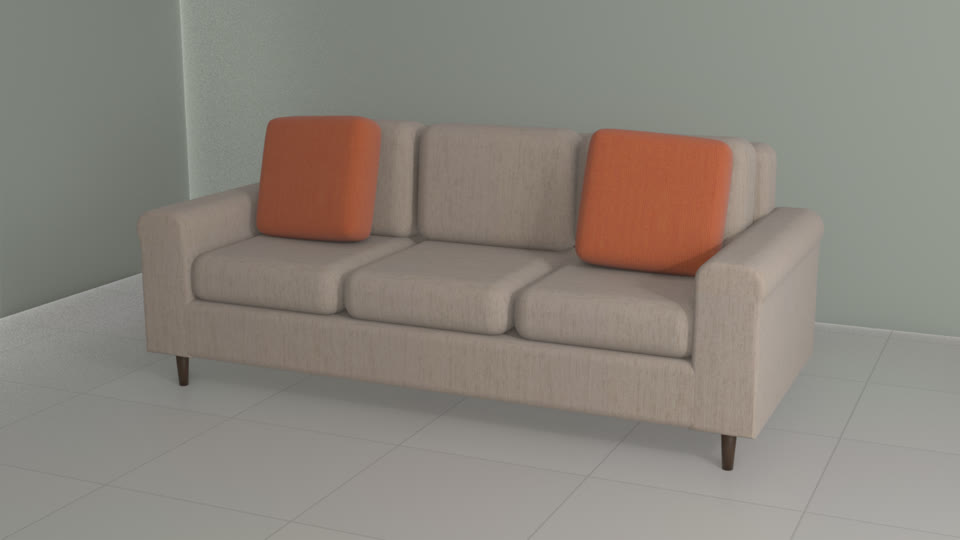
Every part and option
Each piece comes with the parts and options you offer, and only the combinations you make.
See it with your products -
Wherever you sell
The same 3D catalog on your site, your dealers' sites and showroom tablets.
See it with your products -
Photo-real renders and walkthroughs
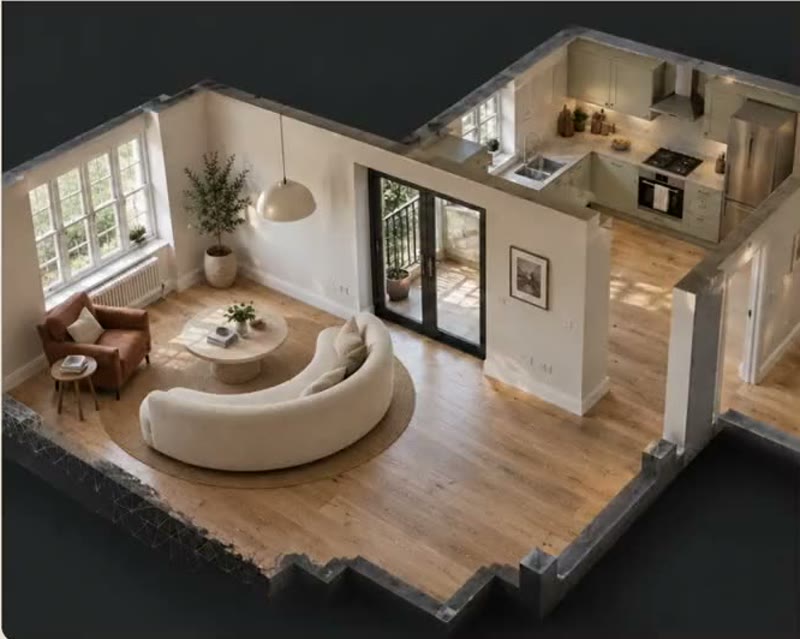
Every product in photo-real renders and walkthroughs of the shopper's room, before they order.
See it with your products
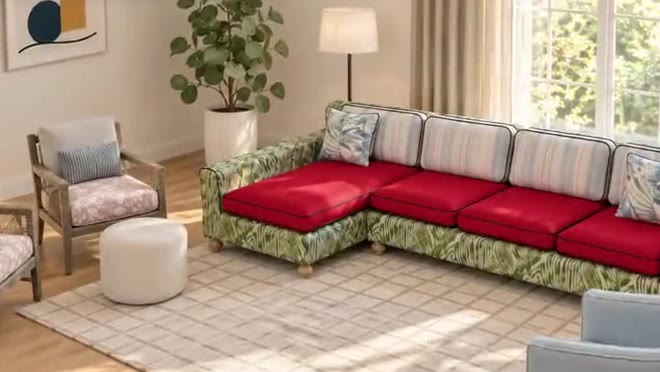
Use cases. Where 3D Catalog is used, by whom, and what it changes.

Marketing & content
Used byMarketing teamsE-commerce teams
Create room scenes and product imagery from your 3D catalog for launches, ads and listings, without a photo shoot.
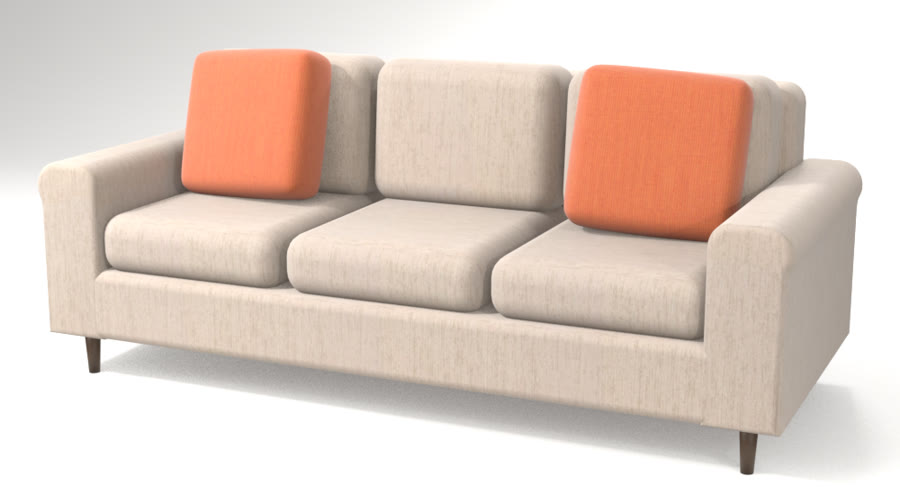
Dealer sites
Used byYour dealersTheir shoppers
Every dealer shows the same 3D catalog, so options, sizes and prices match wherever your products are sold.
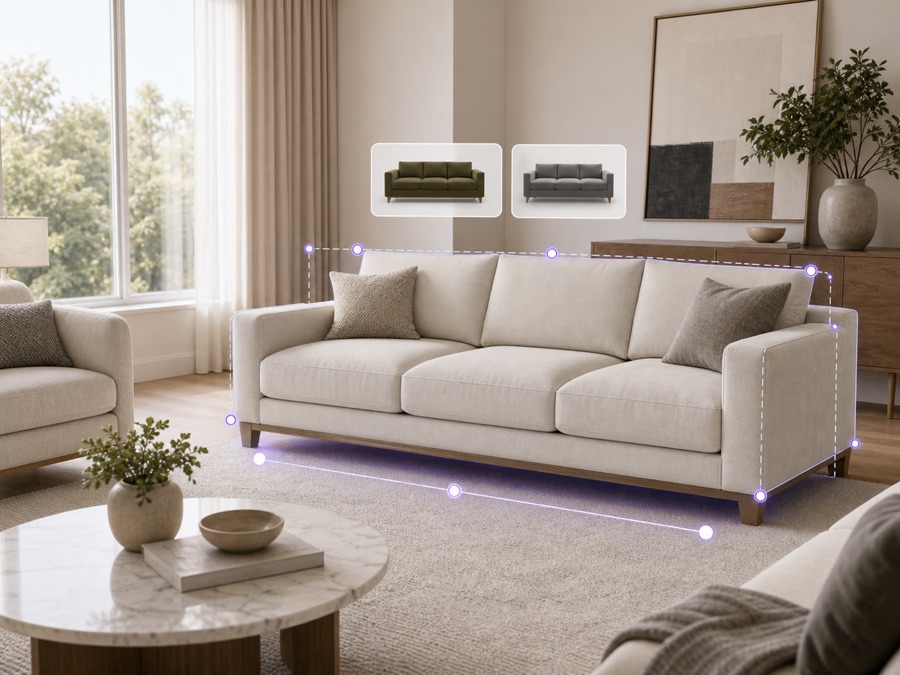
E-commerce
Used byYour online shoppers
Shoppers see your products in their own room on your site, so they order with confidence and send less back.
The result. New products go live in 3D from the files you already have.
3D files you need
Zero
It starts from the spreadsheet and photos you already have, so there's no 3D modeling project.
No photo shoot per option
New collections go live without a photo shoot for every option.
Sizes from your spreadsheet
Sizes come from your spreadsheet, so every piece is true to size.
One catalog, every channel
The same 3D catalog works on your site, your dealers' sites and in the showroom.
Key capabilities. Everything that comes with 3D Catalog, for each person who uses it.
For your customers
- From photos and a spreadsheet
- Every part and option you make
- Your team signs off first
- On your site, dealer sites and showroom tablets
- Photo-real renders and walkthroughs, before the final order
- Add to cart from the 3D view
For sales reps
- Design with the customer on a call or in the showroom
- Save a design and share it as a link
- Quote from the exact build, every option included
- See each lead's choices before the follow-up
For your team
- Quantities and options on every order line
- Your team signs off before anything goes live
- Orders arrive with every option picked
- Under your brand
Connects to
- Your website, dealer sites and showroom tablets
- Add to cart on your online store
- ERP and order systems
- Your CRM, for every lead
Details and limits. What to know before you set it up.
- Building the 3D
- We build each model from your spreadsheet and photos, at the sizes you give us.
- Approval
- Your team approves each product before it goes live.
- Ownership
- Your product data stays yours.
- Updates
- Change a price or an option in your spreadsheet, and it updates everywhere the product appears.
- Dealer permissions
- You choose which dealers see which products and prices.
How it works. From your first file to your first order.
- 1
Send a spreadsheet and photos
Your products, sizes, prices and options. You don't need 3D files.
- 2
We build every piece in 3D
To scale, with every part and option. Your team signs off on it.
- 3
Go live where you sell
Your site, your dealers' sites and the showroom.
Works well with. Products that go with 3D Catalog.
Questions.
Something else? Email hello@livinit.ai.
Who checks the 3D models?
Your team signs off every piece before it goes live.
Do we need 3D files?
No. We build the 3D from your spreadsheet and photos.
Does it carry our brand?
Yes. Livinit runs on your website and in your showroom, under your brand.
How does it go on our website?
Your web team adds an embed. The Developers page shows how it works.
How is it priced?
We quote per business, based on your catalog and where you'll use it. Talk to us and we'll walk you through it.
Add it to your site. Your web team adds one embed, under your brand.
Get started with 3D Catalog.
Send us a few products and a room. We'll show you what your customers would see.